Nexlymate's business intelligence dashboard shows you the numbers that matter: total revenue, cost of goods, gross margin, top-performing products, and daily order volume — all calculated from your live order and inventory data without any manual reporting setup.
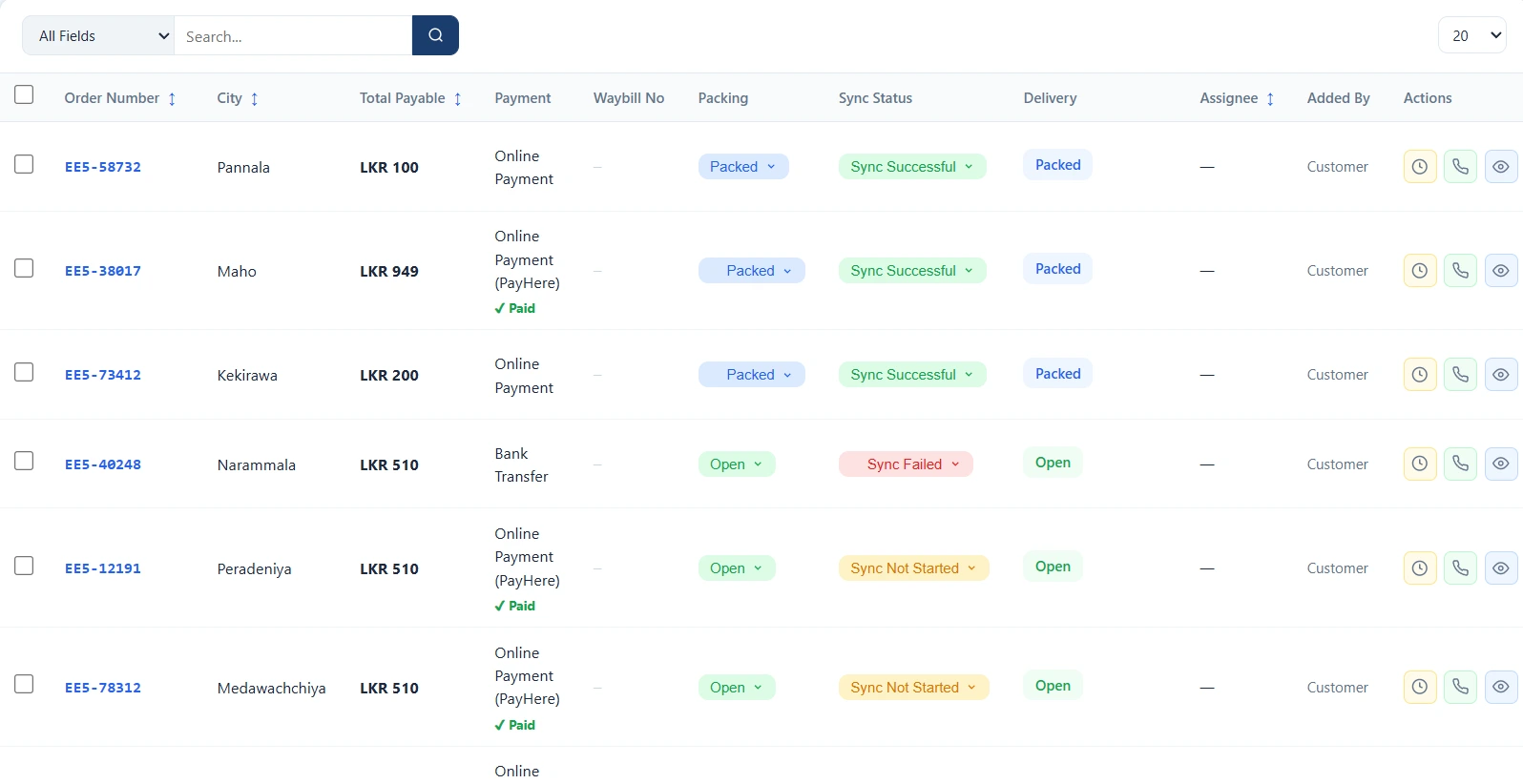
Most small and medium sellers know roughly how much they sold last month, but few know their actual gross margin. Calculating it requires knowing the cost price of every item sold — data that exists in your inventory and purchase records, but requires pulling it all together manually. Most sellers do not bother, and as a result, pricing decisions are made without a clear picture of actual profitability.
Nexlymate calculates this automatically from your live data. You do not set up a report; you just open the dashboard and the numbers are there.
If a product has a high unit volume but a low margin, the question is whether it is worth continuing to stock. If a courier has a high return rate, the question is whether to adjust delivery areas or switch providers for certain routes. If your average order value has dropped over three months, the question is whether a bundle offer or minimum order threshold would address it.
These decisions are only possible with numbers. Nexlymate makes the numbers available without requiring you to build the reports yourself.
Reports can be exported as CSV or PDF for sharing with your accountant, business partner, or investor. If you need custom report formats for a specific purpose, the Nexlymate API gives you access to the underlying data to build whatever view is needed externally.
Start your free trial and open the business intelligence dashboard today.
Branded storefront · Live order pipeline · Cancel anytime