Nexlymate's webhooks and automation rules let you define what happens automatically when an order moves through a pipeline stage — send an email, update a field, trigger a notification. Less manual follow-up, fewer things falling through the cracks.
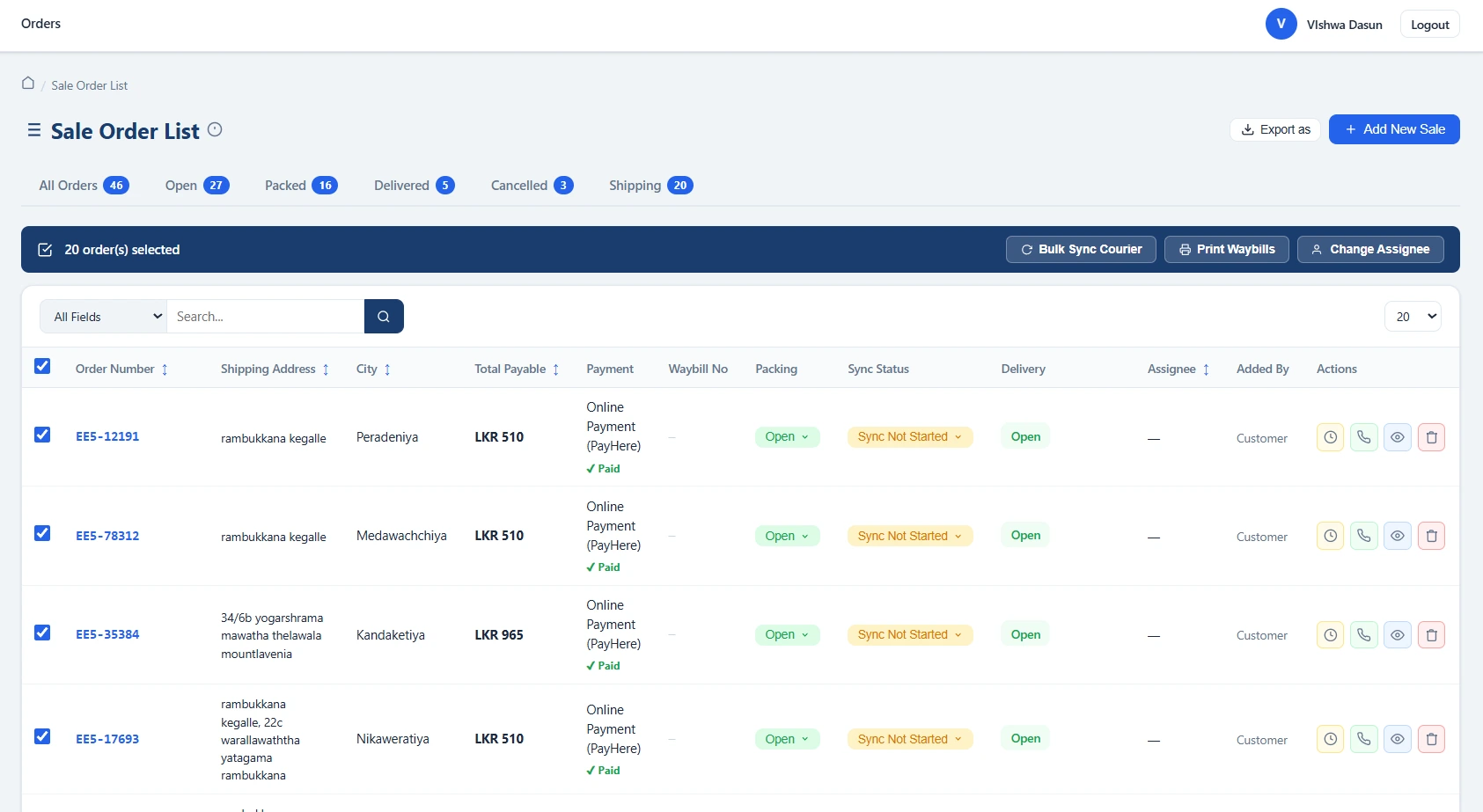
Every time an order moves from Placed to Confirmed, someone sends a confirmation message. Every time an order is dispatched, someone sends a tracking update. Every time an order is delivered, someone marks it as COD collected or waits for payment confirmation. These repetitive actions take time — and the time adds up significantly when you are processing hundreds of orders a day.
Nexlymate's automation rules let you define these responses once and have them execute automatically whenever the trigger condition is met.
Webhooks are HTTP callbacks that Nexlymate sends to an external URL whenever a specified event occurs — order placed, order dispatched, payment confirmed, delivery status changed. These webhooks can trigger actions in your other tools: a WhatsApp automation platform, a Google Sheets integration, a custom CRM, or any system that can receive an HTTP POST request.
For internal Nexlymate workflows, automation rules let you define if-then logic without writing code:
A seller processing 100+ orders daily can use automation to: send automatic order confirmation emails (eliminating manual WhatsApp messages), auto-progress PayHere orders without manual intervention, send dispatch notifications with tracking links, and flag overdue COD collections — all without any manual action from the team for these routine events.
Start your free trial and set up your first automation rule today.
Branded storefront · Live order pipeline · Cancel anytime