Once an order is dispatched through Nexlymate, delivery status updates from your connected courier flow back automatically into the order record and the customer-facing tracking page. Customers can track their own parcel without calling or messaging you.
“Where is my order?” is the single most common message Sri Lankan online sellers receive after dispatch. If your only answer is “let me check and come back to you,” you are spending time on lookups that customers could perform themselves — and that delays your response time on more complex issues.
Nexlymate's post-shipment tracking gives every customer a tracking page they can check themselves, updated in real time from your courier's network.
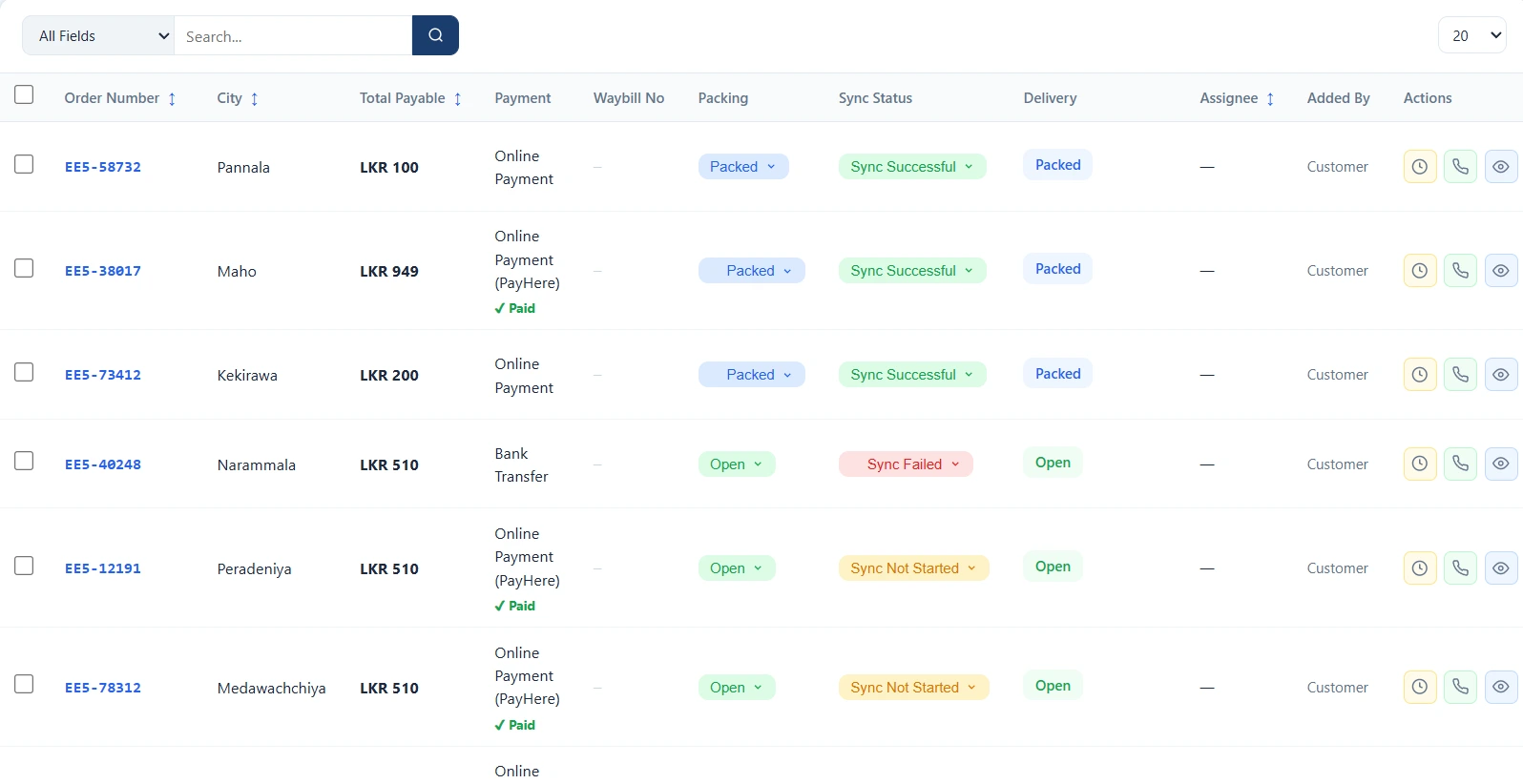
When you dispatch an order and generate a waybill through Nexlymate, the tracking number from your courier service is attached to the order automatically. Nexlymate periodically syncs delivery status from the courier API and updates the order record. The customer's order tracking page reflects the current status — In Transit, Out for Delivery, Delivered, or any carrier-specific intermediate status — without you doing anything manually.
Every “where is my order?” message that a customer answers themselves from the tracking page is a message your team does not have to respond to. For a seller dispatching 50+ parcels a day, that is a meaningful reduction in inbound customer service volume — letting your team focus on genuine issues like damaged items, incorrect orders, or address problems.
Start your free trial and connect your courier for automatic tracking.
Branded storefront · Live order pipeline · Cancel anytime