Nexlymate generates packing slips and shipping labels directly from your orders. Your packing team works from the same system as your customer service team — no printed spreadsheets, no separate shipping tool, no miscommunication about what to pack.
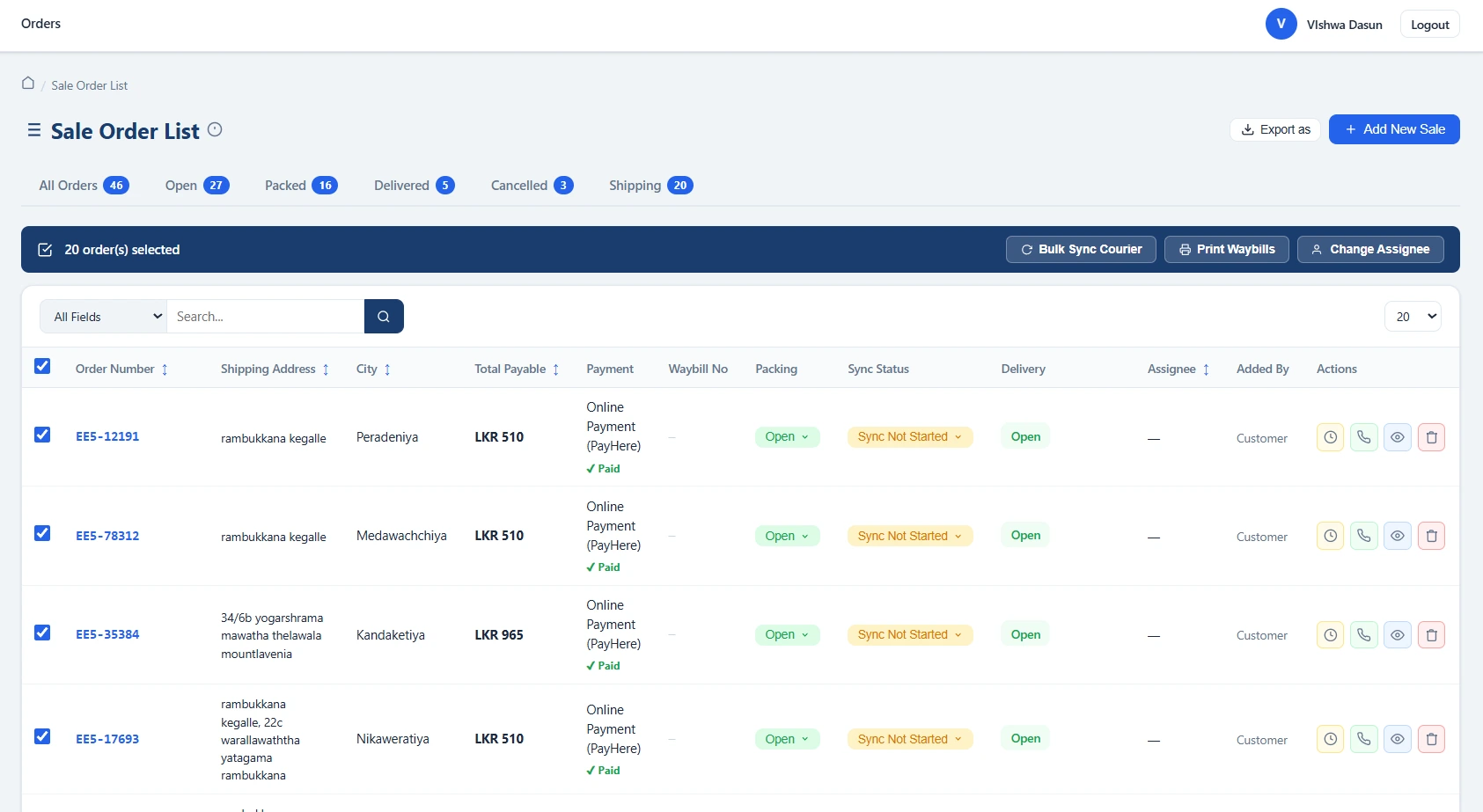
When an order is ready to pack, your team opens it in Nexlymate and prints the packing slip. The packing slip lists every item in the order, the quantity of each, the variant details (size, colour), and any special instructions the customer left at checkout (gift wrap, fragile note, delivery scheduling). Nothing is ambiguous; nothing requires calling the office to ask what goes in the box.
After an order is packed, generate the courier waybill from the same order screen. Nexlymate sends the order details to your connected courier service — Koombiyo, Domex, or Royal Express — and receives the waybill back. Print it, stick it on the box, and hand it to the courier. The tracking number is automatically attached to the order record.
Once the parcel is with the courier, delivery status updates are synced back into the order record as the courier scans it through their network. Your customer service team can check delivery status in Nexlymate without needing courier portal credentials. Your customers can see the delivery status on their order tracking page.
When you are packing 50 or 100 orders a day, the bottleneck is usually the handoff between the order screen and the packing bench — information getting lost, wrong items being packed, waybills being generated for the wrong address. Nexlymate's integrated packing workflow eliminates that handoff. The information flows from the order to the packing slip to the waybill without any manual transcription.
Start your free trial and run your first packing session in Nexlymate.
Branded storefront · Live order pipeline · Cancel anytime