Nexlymate's vendor price lists let you define the agreed pricing for each of your suppliers. When you create a purchase order for that vendor, the correct prices are filled in automatically — no manually looking up the current rate, no copying from a separate spreadsheet.
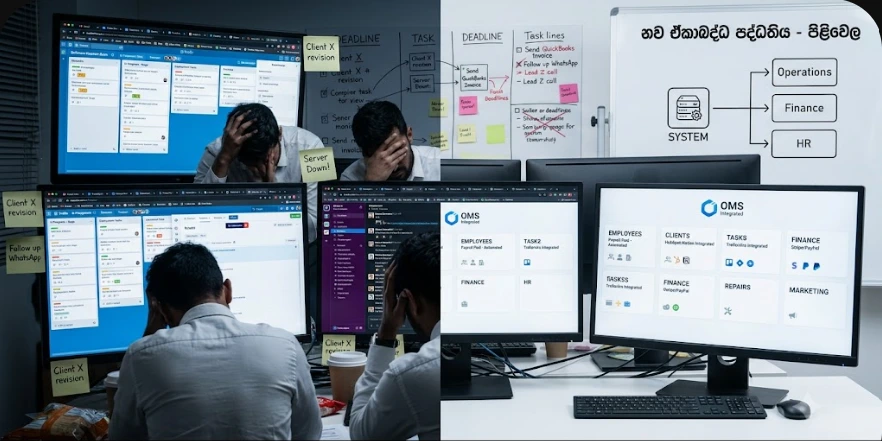
If you buy the same item from two different suppliers at different prices, or if one supplier has a volume discount arrangement that kicks in above a certain order size, managing that in a spreadsheet requires constant vigilance. Prices change. Agreements evolve. One overlooked update means your purchase orders go out with incorrect pricing and your cost tracking becomes inaccurate.
Nexlymate's vendor price lists keep each supplier's agreed pricing stored against their profile, automatically applied when you create a purchase order for them.
When you create a new purchase order and select a vendor, Nexlymate loads their price list and pre-fills the unit costs for each item you add. If you are ordering above a volume threshold that triggers a different price, the correct tier is applied automatically. You review, confirm, and send the purchase order without needing to check a separate pricing document.
Accurate supplier pricing feeds directly into your cost of goods sold calculations. When Nexlymate knows what you paid for each unit of each item, the margin and profitability reporting in your business intelligence dashboard is based on real data rather than estimates. That accuracy compounds over time and makes your financial reporting genuinely useful for business decisions.
Start your free trial and set up your first vendor price list today.
Branded storefront · Live order pipeline · Cancel anytime